
Get the Indibet App
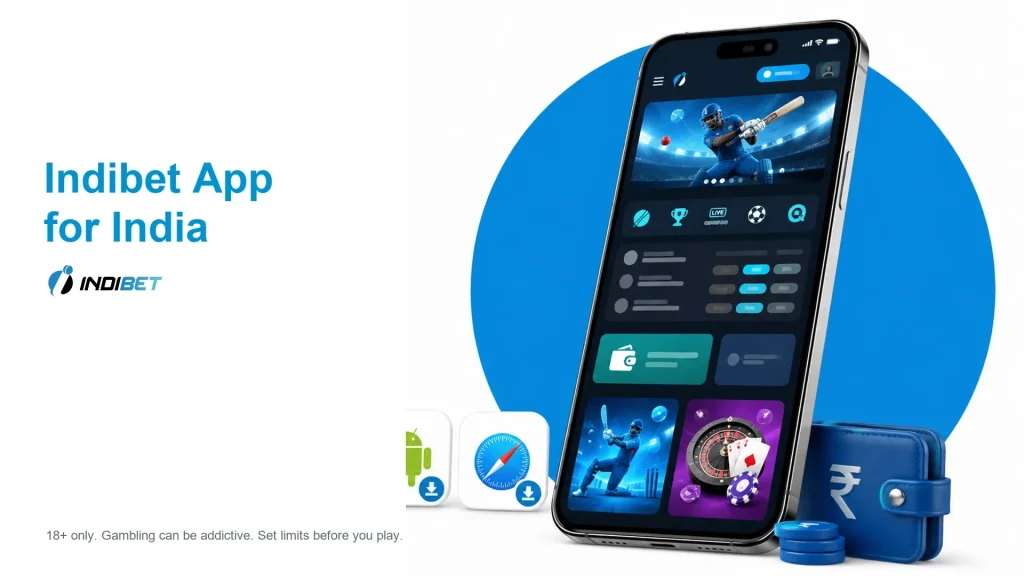
Download the Indibet APK on Android, open the mobile site on iPhone, then use one account for cricket betting, casino games, deposits, bonuses and login. The Android route uses an APK file, while iPhone users can open Indibet through Safari and add it to the home screen.
| Item | Details |
|---|---|
| Cost | Free to install |
| Android version | Android 5.0+ |
| Free storage | About 40 MB |
New users can claim the 250% welcome offer up to INR 25,000. The minimum deposit is INR 100, and India payment routes include UPI, NetBanking, IMPS, cards, e-wallets and crypto.
How to Download Indibet APK on Android
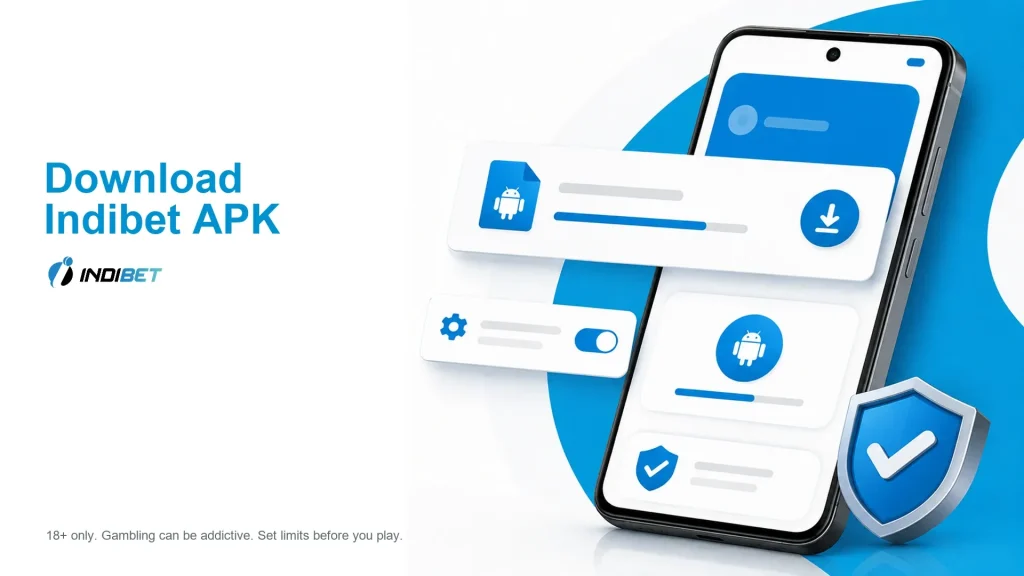
Android users install Indibet from an APK file. Use the current Indibet download route from your phone, then allow the browser or file manager to install the file.
- Open Indibet on your Android phone.
- Tap the Android or APK download button.
- Wait for the APK file to download.
- If Android blocks the file, open the phone settings and allow installs from that browser or file manager.
- Open the downloaded APK from notifications or Downloads.
- Tap Install.
- Open Indibet and log in or create an account.
Keep enough free storage before installation. If the file does not open, delete it and download the APK again from the current Indibet mobile route.
Indibet App Requirements
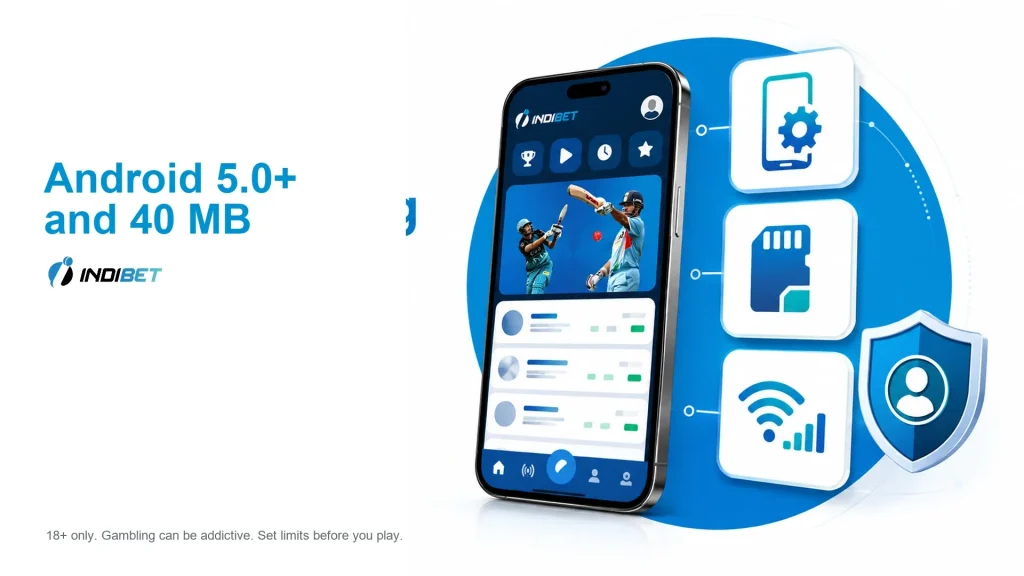
The selected mobile requirements are light enough for many Android phones used in India. A stable internet connection still matters because live odds, casino streams and payment screens update in real time.
| Requirement | Value |
|---|---|
| Android version | Android 5.0+ |
| Free storage | About 40 MB |
| Internet | Mobile data or Wi-Fi |
| Install permission | Allow installs from browser or file manager if prompted |
| iPhone / iPad route | iOS 12.0+ through Safari |
| Account access | Login or registration required for real-money play |
Use the mobile website if the APK does not install on an older phone. The browser route avoids APK storage and install-permission steps.
Indibet on iPhone and iPad
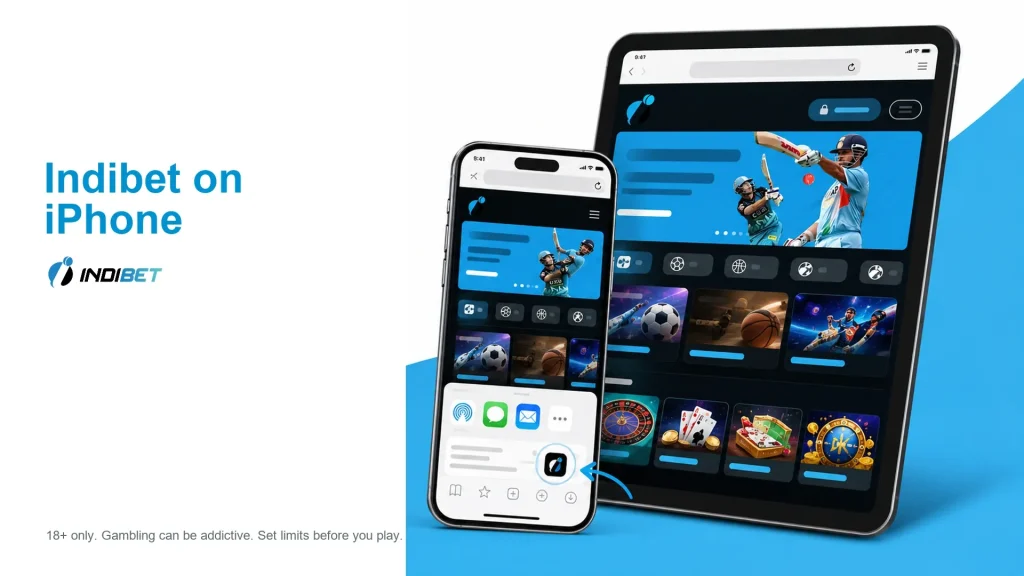
iPhone and iPad users can open Indibet through Safari. This avoids unsupported App Store claims while still giving access to sportsbook, casino, cashier and bonus pages.
- Open Indibet in Safari.
- Log in or register.
- Tap the Safari share icon.
- Choose Add to Home Screen.
- Open Indibet from the new home-screen shortcut.
The shortcut behaves like a quick mobile entry point. Use the same account details you use on desktop or Android.
Indibet App vs Mobile Website
Choose the APK if you want a dedicated Android entry point. Choose the mobile website if you use iPhone, do not want to change install settings, or have limited phone storage.
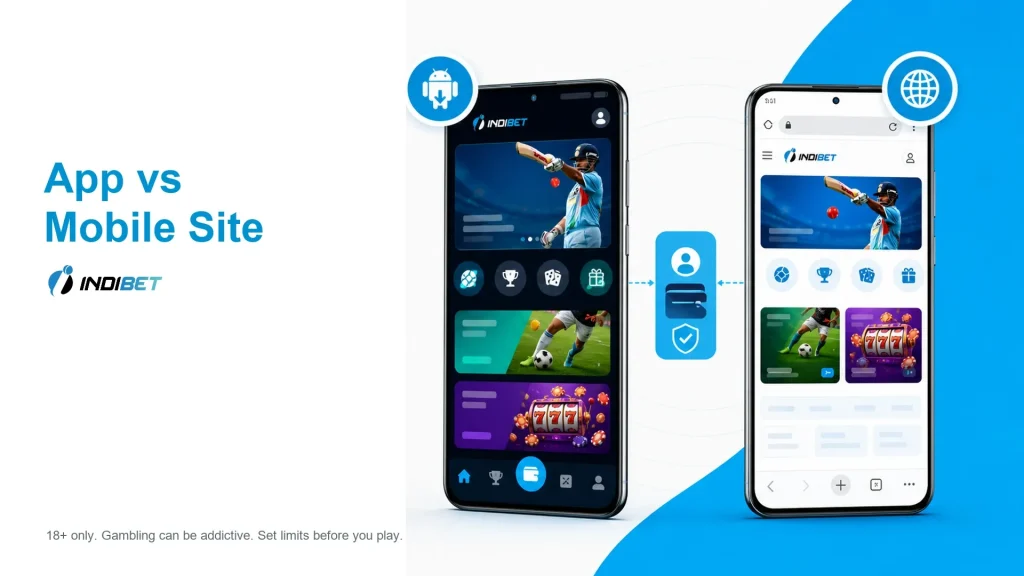
| Feature | Android APK | Mobile Website |
|---|---|---|
| Setup | Download and install APK | Open in browser |
| Storage | Needs about 40 MB free space | Uses browser storage |
| iPhone support | No APK install | Safari route |
| Updates | Update through app/download route | Refreshes with the website |
| Login | Same Indibet account | Same Indibet account |
| Sports and casino | Available after login | Available after login |
| Payments | Cashier access after login | Cashier access after login |
Both routes use the same account balance, bonus status and payment history. Do not create a second account just because you switch devices.
Cricket Betting in the Indibet App
The app route is useful for cricket because odds and live markets change quickly. Open cricket from mobile to check pre-match odds, live betting and exchange betting without returning to desktop.
Useful mobile sportsbook routes include:
- cricket and IPL;
- international cricket;
- match winner;
- over/under;
- live betting;
- exchange betting;
- football, kabaddi, tennis and esports.
Cricket users can place a simple pre-match bet, then use live markets after the toss, wickets or run-rate changes. Always check the bet slip before confirming the stake.
Casino Games in the Indibet App
Mobile casino access is not limited to slots. Indibet users can open live tables, local card games, crash games and quick casino formats from the same mobile account.

| Game / category | Mobile use |
|---|---|
| Slots | Main casino bonus route |
| Live casino | Roulette, blackjack, baccarat and game shows |
| Teen Patti | Indian card-game route |
| Andar Bahar | Fast two-side card game |
| Jhandi Munda | Local dice-style casino game |
| Aviator | Crash / instant game |
| JetX | Quick multiplier-style game |
| Crazy Time | Live game show |
| Lucky 7 | Fast card betting |
Use a stable connection for live casino and game shows. If mobile data is weak, slots and quick games are usually easier to load than streamed tables.
Indibet App Bonus
New users can claim the Indibet welcome offer from mobile. The main offer is 250% up to INR 25,000, with separate casino and sports routes.
| Bonus | Value | Main conditions |
|---|---|---|
| Welcome offer | 250% up to INR 25,000 | New users |
| Casino bonus | 100% up to INR 25,000 | INR 100 min deposit; 45x slot wagering |
| Sports bonus | 150% up to INR 25,000 | INR 100 min deposit; 45x cricket turnover |
| Friday slots bonus | 10% up to INR 1,000 | Eligible Friday slot wins |
To claim from mobile, register or log in, deposit from INR 100, open the bonus area and activate the offer before playing. Check expiry, eligible games, max bet and wagering before using bonus funds.
Indibet Login and Registration on Mobile
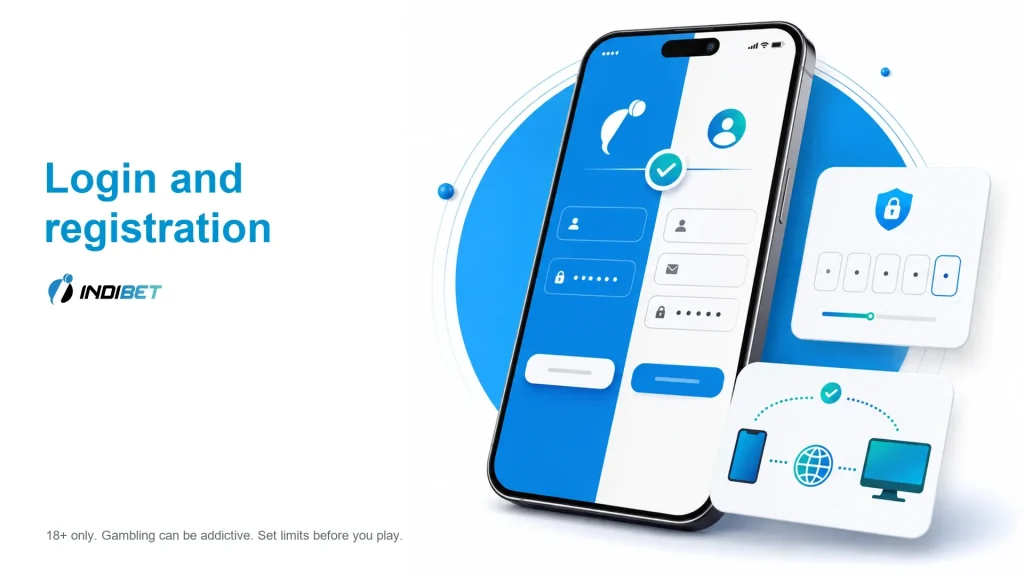
Use one Indibet account across Android APK, mobile browser and desktop. The same login opens sportsbook, casino, cashier, bonuses and support.
To register on mobile:
- Tap Register.
- Enter your phone/email, username and password.
- Add a promo code if the field is shown.
- Confirm the account if a code is required.
- Open Bonus, Sports, Casino or Cashier.
To log in, tap Login, enter the account details used during registration and open the product area you need. If login fails, use account recovery instead of creating another account.
Deposits, Withdrawals and Support in the App
The mobile cashier supports INR payment routes for deposits. The minimum deposit is INR 100.
Withdrawals need account verification before payout. Use payment details in your own name and keep transaction references until the balance or payout status updates.
For support, email [email protected]. Use support for login problems, blocked APK installation, missing deposits, bonus questions, KYC checks and withdrawal status.
Indibet APK Not Installing
Most APK install problems come from phone settings, storage or an incomplete download. Try the simplest checks before changing devices.
- Allow installs from the browser or file manager used to download the APK.
- Check that at least 40 MB of free space is available.
- Delete the old or incomplete APK file.
- Download the file again from the current Indibet mobile route.
- Restart the phone if the installer freezes.
- Use the mobile website if the APK still fails.
- Contact support if login, payment or account access is affected.
Do not install random APK files from forwarded links. Use the current Indibet mobile route and keep Android security warnings visible until you know what permission is being requested.
FAQ
Open Indibet on your Android phone, tap the APK download button, allow installs from the browser or file manager if prompted, then install the file and log in.
Do not rely on Google Play for the Indibet APK. Use the current Indibet APK route or open the mobile website.
Yes. Open Indibet in Safari and add it to the home screen if you want a faster shortcut.
Use Android 5.0+ for the selected APK route.
Keep about 40 MB of free storage before downloading and installing the APK.
Yes. Use the same account details on Android APK, mobile browser and desktop.
Yes. New users can claim the 250% welcome offer up to INR 25,000 from mobile after registration and a qualifying deposit.
Yes. UPI is available among India payment routes, along with NetBanking, IMPS, cards, e-wallets and crypto.
Allow installs from the browser or file manager, check free storage, delete incomplete downloads and try again. Use the mobile site if installation still fails.